August 29, 2024
Top 20+ Flux Copilot Prompts for Hardware Design

Share
BuildWithFlux


A lot has happened since then. Thanks to your feedback, we’ve been able to improve Copilot and add even more capabilities. Now you can use Copilot for brainstorming, selecting components, performing calculations, researching and selecting parts, managing BoM, and even validating designs.
We realize that writing a good prompt can be tricky, so we’ve refreshed our list of popular prompts so you can copy and paste, or modify for your own use!
First, let’s define what a prompt is. Copilot prompts are natural language inputs given to a custom-trained large language model (LLM) specifically designed to understand hardware, electronics circuit, PCB design and layout.
For example, if the prompt is "Calculate the load capacitors for Y1", the model will generate an answer in a human-like manner based on the prompt. Remember, Copilot has the context on what you’re working on. Copilot can see your:
Because Copilot lives inside the PCB design tool, it provides direct feedback, advice, and analysis, and with your approval - it can take action, through a simple chat interface. With just a press of a button, Copilot can connect components together.
Spread the word and share your favorite prompts on our Slack Community.
{{top-copilot-prompts-v1}}
A lot has happened since then. Thanks to your feedback, we’ve been able to improve Copilot and add even more capabilities. Now you can use Copilot for brainstorming, selecting components, performing calculations, researching and selecting parts, managing BoM, and even validating designs.
We realize that writing a good prompt can be tricky, so we’ve refreshed our list of popular prompts so you can copy and paste, or modify for your own use!
First, let’s define what a prompt is. Copilot prompts are natural language inputs given to a custom-trained large language model (LLM) specifically designed to understand hardware, electronics circuit, PCB design and layout.
For example, if the prompt is "Calculate the load capacitors for Y1", the model will generate an answer in a human-like manner based on the prompt. Remember, Copilot has the context on what you’re working on. Copilot can see your:
Because Copilot lives inside the PCB design tool, it provides direct feedback, advice, and analysis, and with your approval - it can take action, through a simple chat interface. With just a press of a button, Copilot can connect components together.
Spread the word and share your favorite prompts on our Slack Community.
{{top-copilot-prompts-v1}}


This article provides a comprehensive guide on pull-up and pull-down resistors, emphasizing their importance in establishing a known voltage level on microcontroller pins. It explains how to implement these resistors in Arduino circuits, discussing functions like pinMode and digitalRead. It also dives into real-world applications, voltage dividers, and tips for avoiding common mistakes.
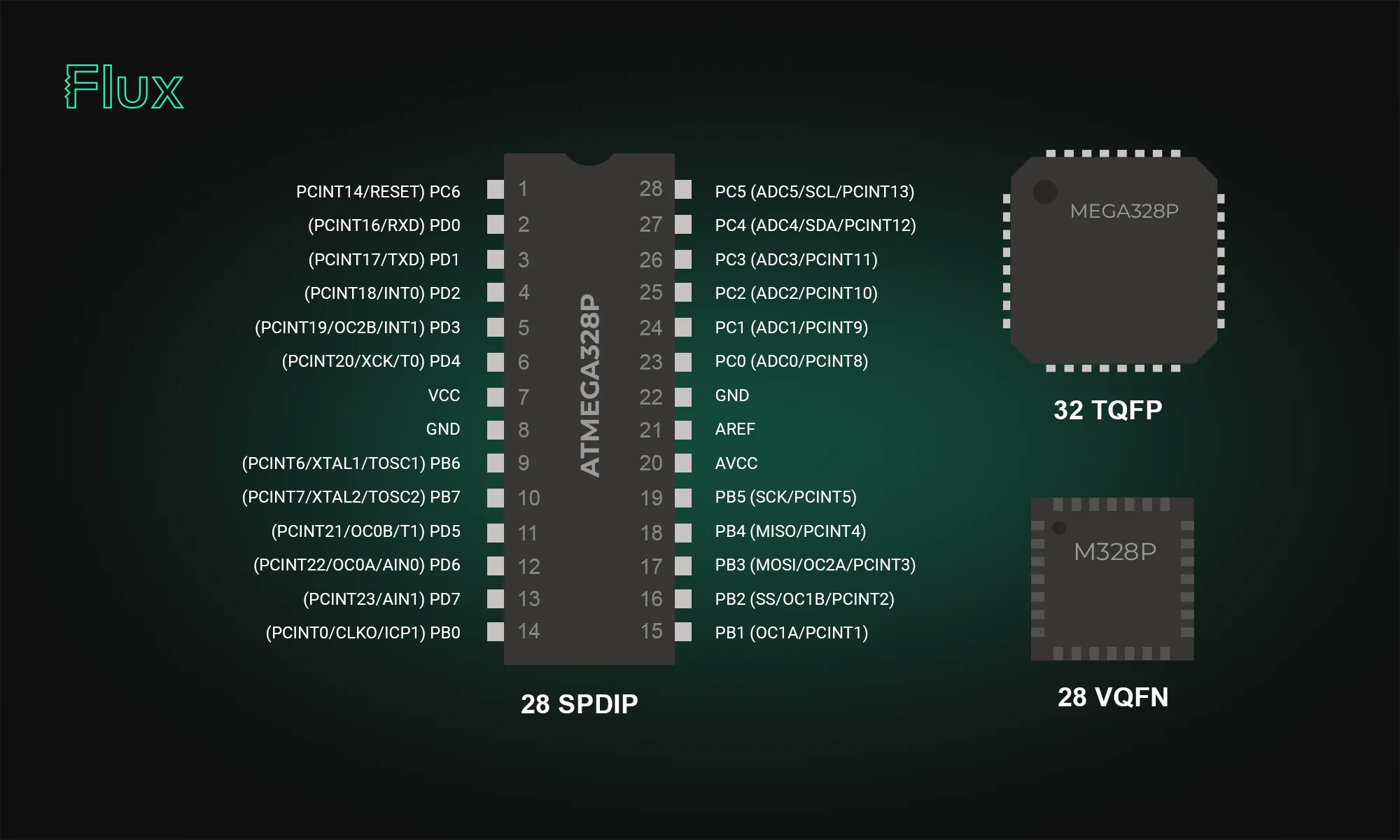
The ATmega328p stands out in the microcontroller world; our post breaks down its datasheet and pinout, offering valuable insights into its functionality and versatility. Learn how this powerful microcontroller can enhance your projects.

Learn five practical tips to improve PCB routing with AI Auto-Layout, including differential pairs, power traces, rule sets, zones, and convergence strategies.
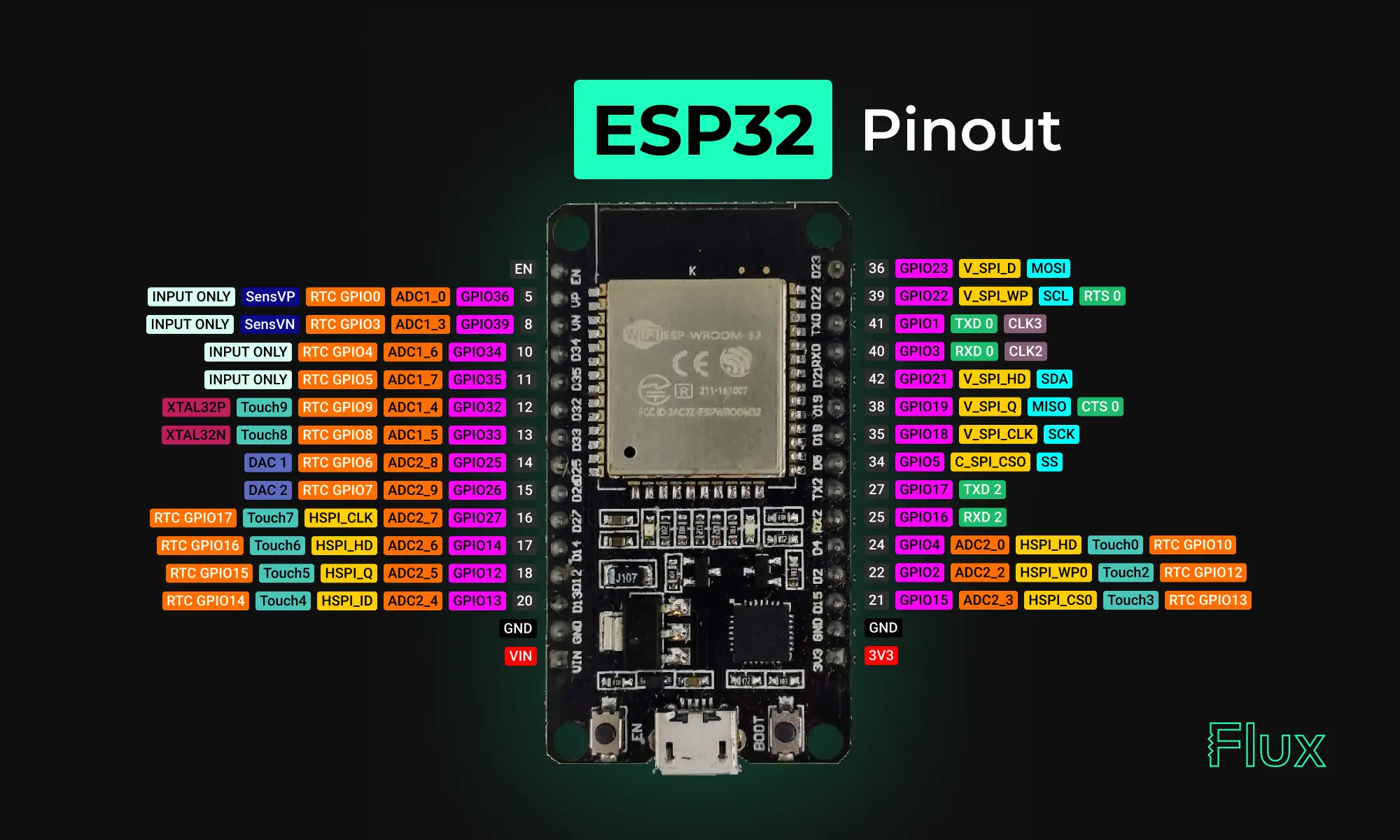
Looking for a comprehensive guide to ESP32 pinout? Check out our article that covers everything you need to know about the ESP32's pins, including digital, analog, PWM, and Strapping pins. Perfect for beginners and experts alike, our guide will help you understand the ESP32's pinout and how to use it in your projects.

Understanding amps and volts is key to working with electronics. This guide explains their roles, relationship, and practical applications.

Describes Flux.ai's process of enabling 'noUncheckedIndexedAccess' in their TypeScript codebase. This setting enhances type safety by enforcing checks for possible 'undefined' values but introduces numerous type errors in a large codebase. To manage this, Flux.ai used heuristics and automation to suppress new errors with '!' and automate fixes using a provided script.


Despite newer technologies like USB and Ethernet, RS232 remains widely used due to its simplicity and broad compatibility. It's crucial in industries, scientific instruments, networking gear, and legacy computers. This protocol's reliability makes it the go-to for many applications. In this blog, we'll explore why RS232 continues to be relevant in our tech-savvy world.

A comprehensive guide to using solder flux in electronics soldering. Soldering flux is used to clean and prepare the surfaces of the components that need to be joined. It helps to remove oxidation and other contaminants that can prevent a strong bond from forming. Flux also reduces surface tension, allowing the solder to flow more easily and improves the wetting of the components.

This blog post highlights a series of innovative reference designs developed by renowned manufacturers using Flux. These reference designs encompass a variety of applications, including advanced light sensing, robust data communication, and compact distance measurement. This diverse array showcases the adaptability and effectiveness of Flux in meeting the varied needs of industrial sensing applications

Now, Flux Copilot can learn how you work—your design principles, part selection preferences, schematic style guidelines, and testing workflows—and remember them automatically.


This blog post explores the RS485 communication standard, renowned for its ability to facilitate long-distance, multidrop networking with enhanced noise immunity, making it a preferred choice for industrial settings. Dive into the post to understand RS485's key features and advantages over older protocols.

Today, we're thrilled to unveil Copilot Experts – a new suite of specialized AI models, each fine-tuned for specific tasks to deliver sharper accuracy and faster performance. Now, you have the power to easily select the AI model that best suits your current task, ensuring more precise and swift responses.