

March 13, 2025
Top 20+ Flux Copilot Prompts (Refreshed)

Share
BuildWithFlux


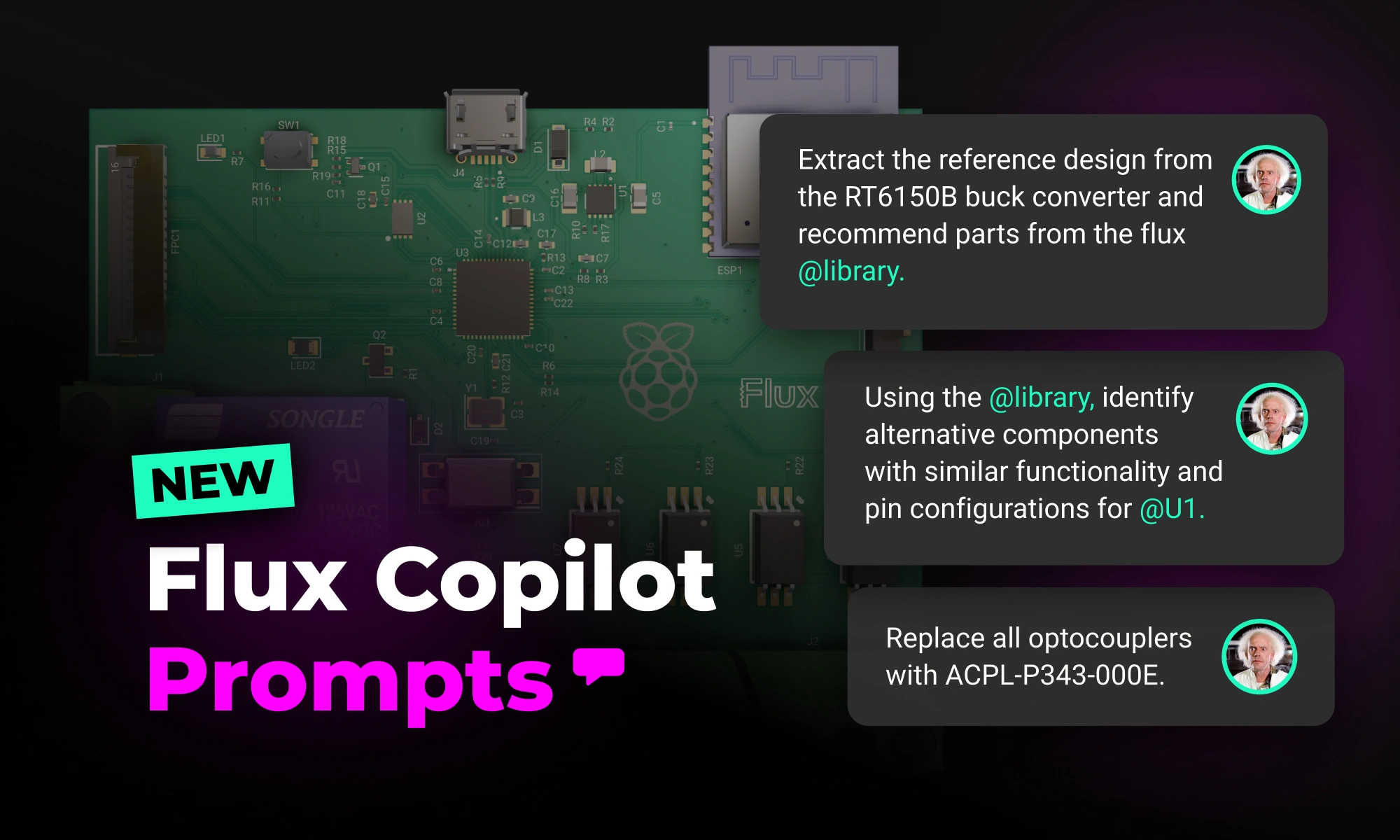


Copilot won’t generate an entire schematic from scratch or handle a full workflow in one go—yet. Instead, it works best when guiding you step by step. The more details you add—like project goals, placed components, or design constraints—the more context Copilot has to carry across conversations, making its recommendations more relevant and accurate.
We've updated our list of top prompts based on what users find most effective, helping you streamline everything from brainstorming and component research to BOM management and design validation. Here’s how to get the best results from Copilot—and a collection of powerful prompts to speed up your workflow.
Spread the word and share your favorite prompts on our Slack Community. Below, we’ve grouped some favorite prompts by category. Each section starts with extra tips to help you get the most out of that set of commands.
{{top-copilot-prompts-v2}}
Copilot won’t generate an entire schematic from scratch or handle a full workflow in one go—yet. Instead, it works best when guiding you step by step. The more details you add—like project goals, placed components, or design constraints—the more context Copilot has to carry across conversations, making its recommendations more relevant and accurate.
We've updated our list of top prompts based on what users find most effective, helping you streamline everything from brainstorming and component research to BOM management and design validation. Here’s how to get the best results from Copilot—and a collection of powerful prompts to speed up your workflow.
Spread the word and share your favorite prompts on our Slack Community. Below, we’ve grouped some favorite prompts by category. Each section starts with extra tips to help you get the most out of that set of commands.
{{top-copilot-prompts-v2}}



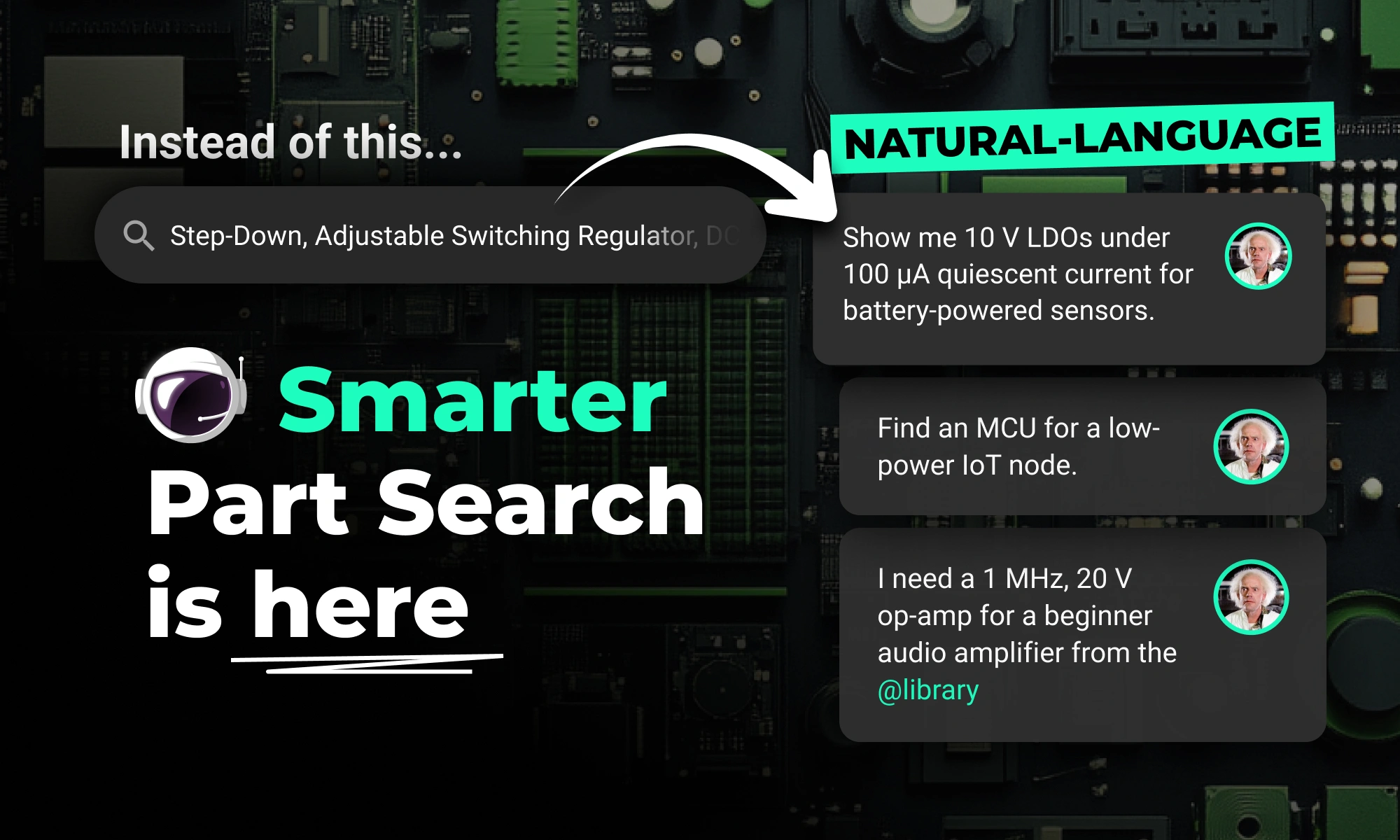
Flux Copilot’s new AI-powered part search makes finding and placing components faster and easier using natural language. It eliminates tool-switching and datasheet overload. This streamlines your PCB design workflow.
Are you creating the right hardware solution for the problem that truly matters? Learn how to validate ideas, prototype fast, and use modern tools to turn concepts into successful products.

Today, we’re excited to be launching the next step in Copilot’s evolution: the Copilot Context Menu. It lets you access Copilot with the click of a button. Simply right-click on a component or project, and choose the prompt you want to use.
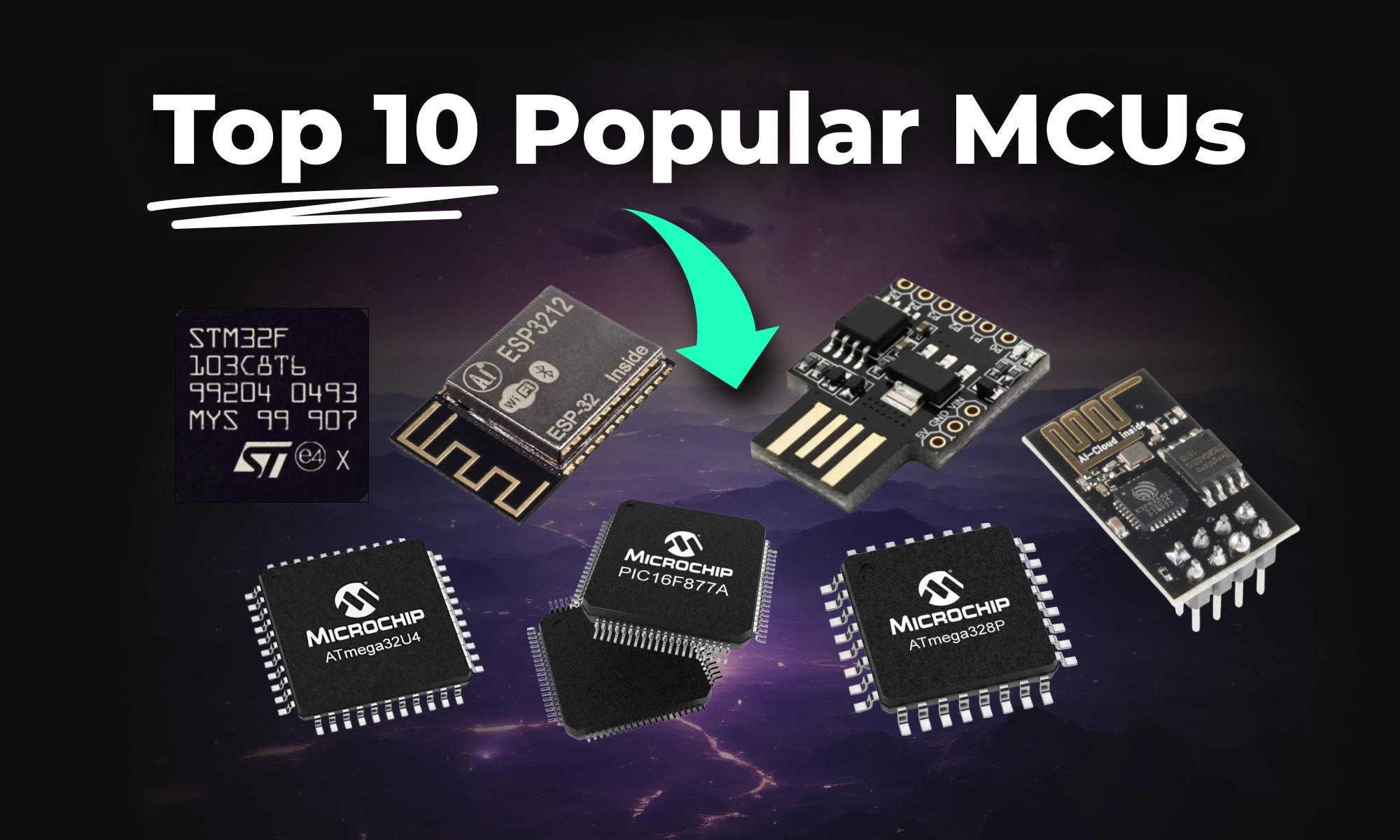
This article highlights 10 of the most popular microcontrollers, based on their usage in embedded systems, memory architecture, and the community support they enjoy.

The Arduino Pro Micro is a compact microcontroller within the Arduino ecosystem, based on the ATmega32U4. It's ideal for small applications, offering 20 digital I/O pins, built-in USB support, and easy programming. While having some limitations, its flexibility makes it popular for wearables, robotics, and DIY projects.

Imagine designing a PCB in a third less time than you're used to - that's the power of Flux Copilot's new upgrade, allowing it to wire components together for you. In this tutorial, we'll walk you through the important workflows and example prompts to help you design a Raspberry-Pi-Pico-like board in 20 minutes.
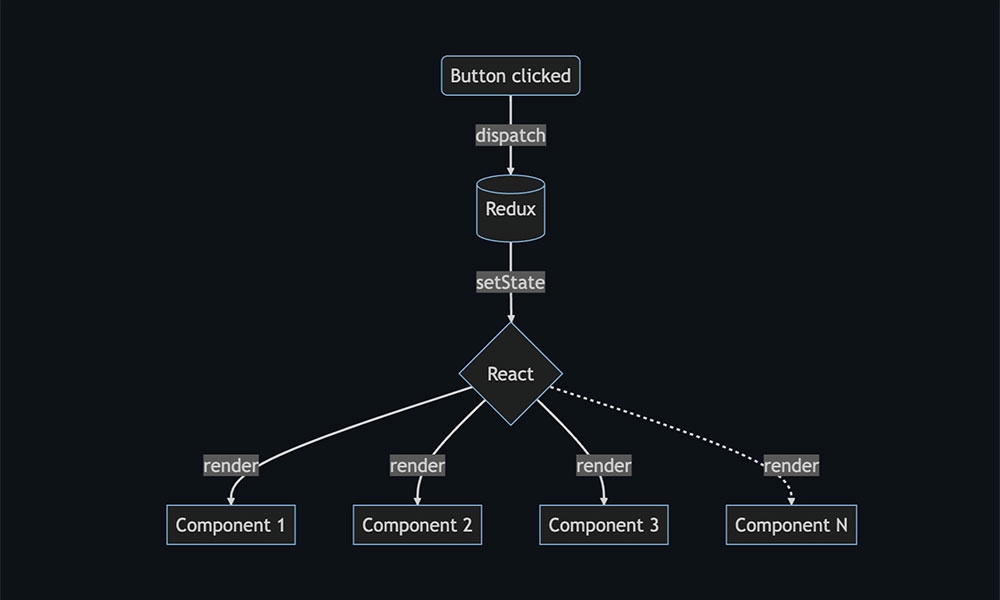
Discover how Flux.ai enhanced its web app performance using the open-source tool, log-time-to-next-idle. The blog details how to measure user interactions and pinpoint their completion point for optimal performance. Learn from our experience and apply these strategies to refine your app's user experience.
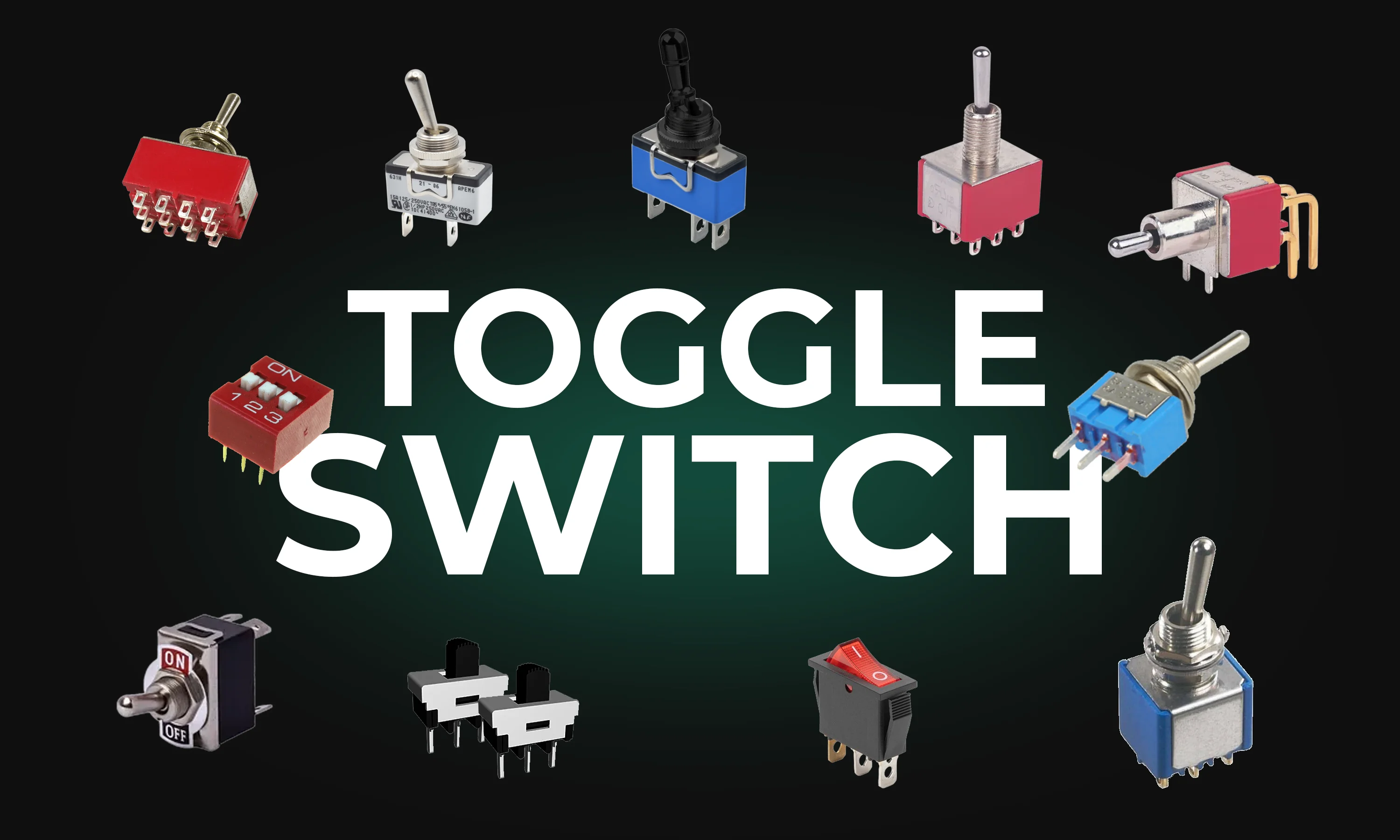
This guide explores toggle switches, their types, and applications in electronics. Learn how they work and find the right one for your project.

Effortlessly enhance your electronic product development with Flux Copilot, the innovative design assistant by Flux. With features like schematic feedback, component selection, and design analysis, Flux Copilot leverages the power of AI to accelerate innovation, save costs, and avoid mistakes in your PCB design process.

In this blog, you'll get an insider's look at PCB manufacturing, learn how PCB boards have evolved, and why they're vital in almost every piece of tech you use. We cover all the bases from circuit board printing for basic gadgets to the advanced techniques used by top PCB manufacturers for multilayer boards. The blog also sheds light on upcoming tech that could redefine the industry. It's essential reading for anyone interested in electronics or PCBs.

Flux moves from one-off actions to executing multi-step workflows including researching parts, creating schematic designs, placing and routing, and running checks. Think of Flux as a capable intern — fast, explainable, and eager to learn, but still needing oversight and occasional help.

We’re launching our Stackup Editor: a new and improved way to select your PCB stackup that requires less time, less effort, and is less prone to errors. This is another massive step towards creating a single place where designers can collaborate with each other and the industry as a whole.


